
Quick overview
InkHalo is a free online tattoo maker and planning toolkit for people preparing for their appointment. You can preview 14 open-source fonts, convert birthdays to Roman numerals, place designs on your body photo without uploading it, trace printable line art, and estimate studio costs. Optional AI renders cost 1 credit per image.
How do I design my own tattoo online?
Start by testing your core idea in a free browser tool, then check its scale on your own body before booking a studio consultation. Every output on InkHalo is built as a clear visual reference so your tattoo artist can redraw the final artwork for your skin and anatomy.
Most people bring ten conflicting screenshots to a shop. Following a four-step workflow keeps your lettering, size, and placement consistent in one session.
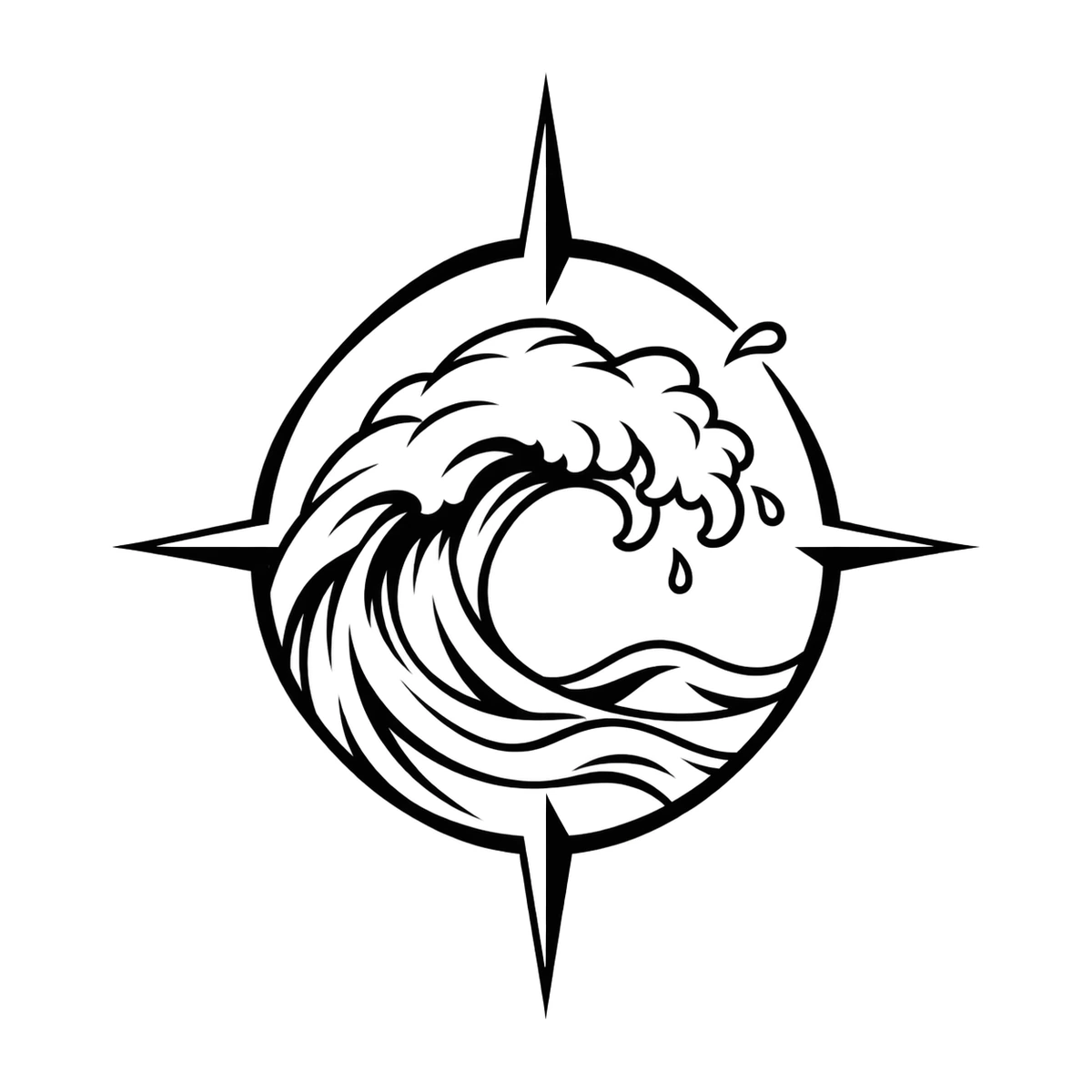
- 1Draft your base design using the lettering, name, Roman numeral, or AI concept tools.
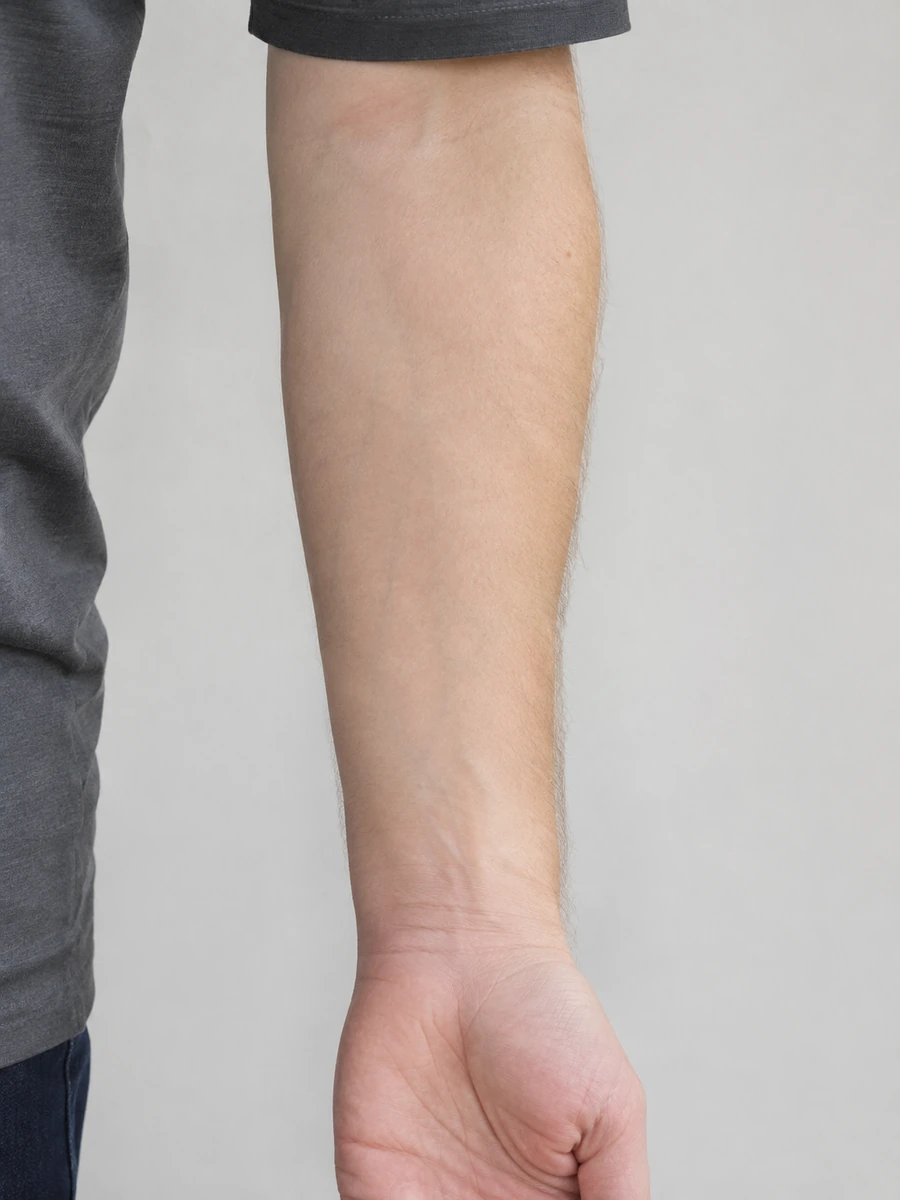
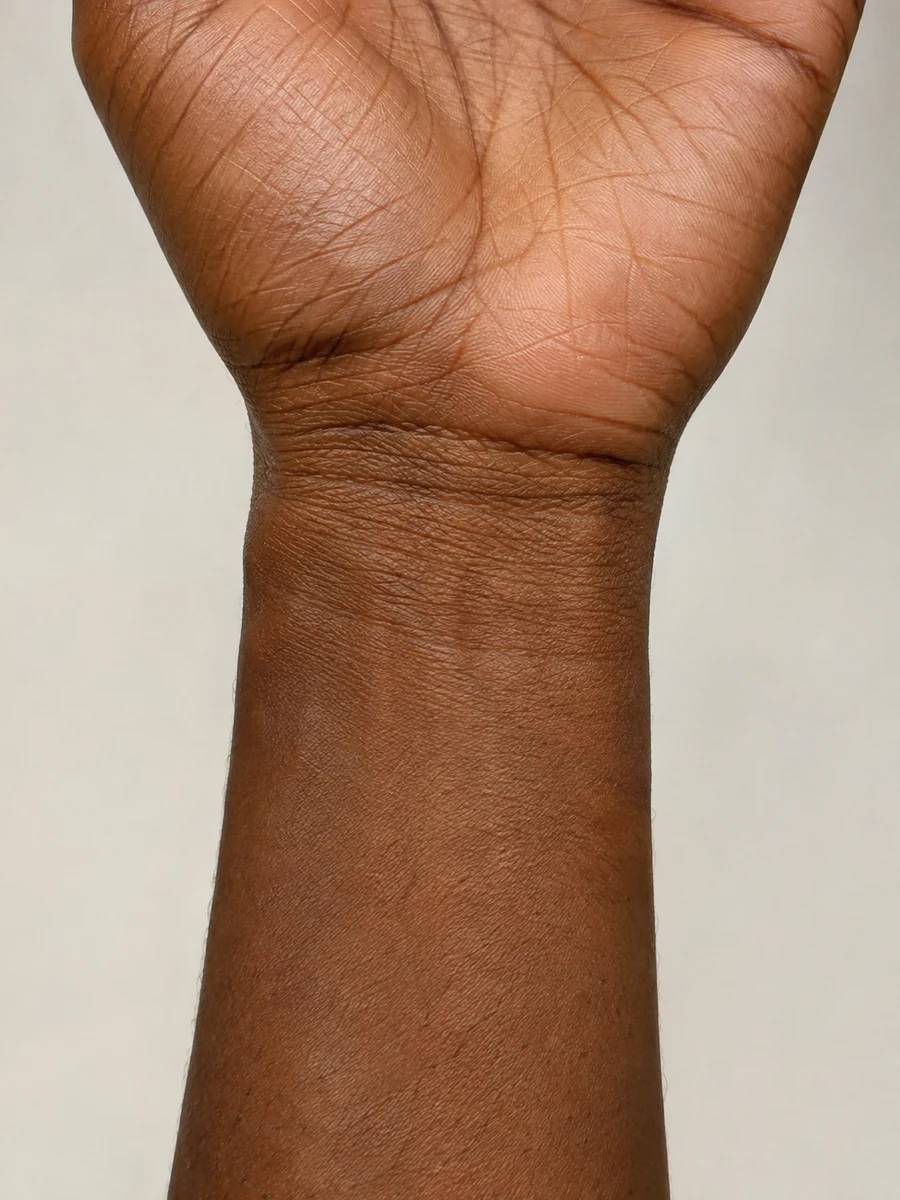
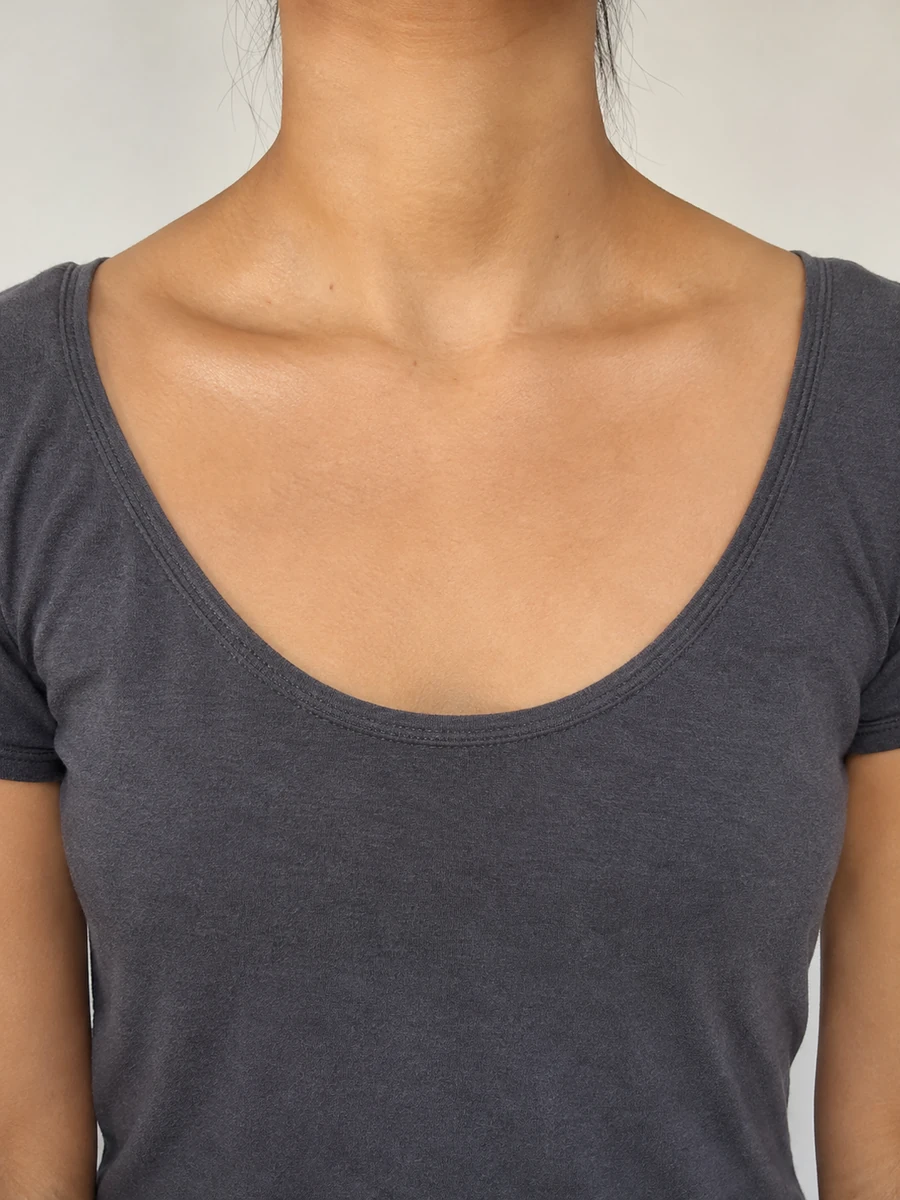
- 2Send the transparent PNG straight to the body placement simulator and load a well-lit photo of your arm, leg, shoulder, or torso.
- 3Save up to 4 placement positions side by side to compare size, angle, and readability.
- 4Download your mockup or reference sheet to discuss final line weight and adjustments with your tattoo artist.
Which InkHalo tattoo creator tool matches what you have right now?
Pick the tool that matches your starting point so you never waste time re-entering text or rebuilding files. All free utilities run inside your browser without registration, watermarks, or server uploads.
| What You Have | Tool to Open | Cost & Account | Photo Upload |
|---|---|---|---|
| A word, quote, or numbers | Tattoo Font Generator | Free, no sign-up | None (in-browser) |
| One or more names | Name Tattoo Generator | Free, no sign-up | None (in-browser) |
| A birthday or special year | Roman Numeral Generator | Free, no sign-up | None (in-browser) |
| A draft or saved image | Try Tattoo on Body | Free 2D / 1 credit AI blend | Local for 2D; uploads only for AI |
| A budget question | Tattoo Cost Calculator | Free, no sign-up | None |
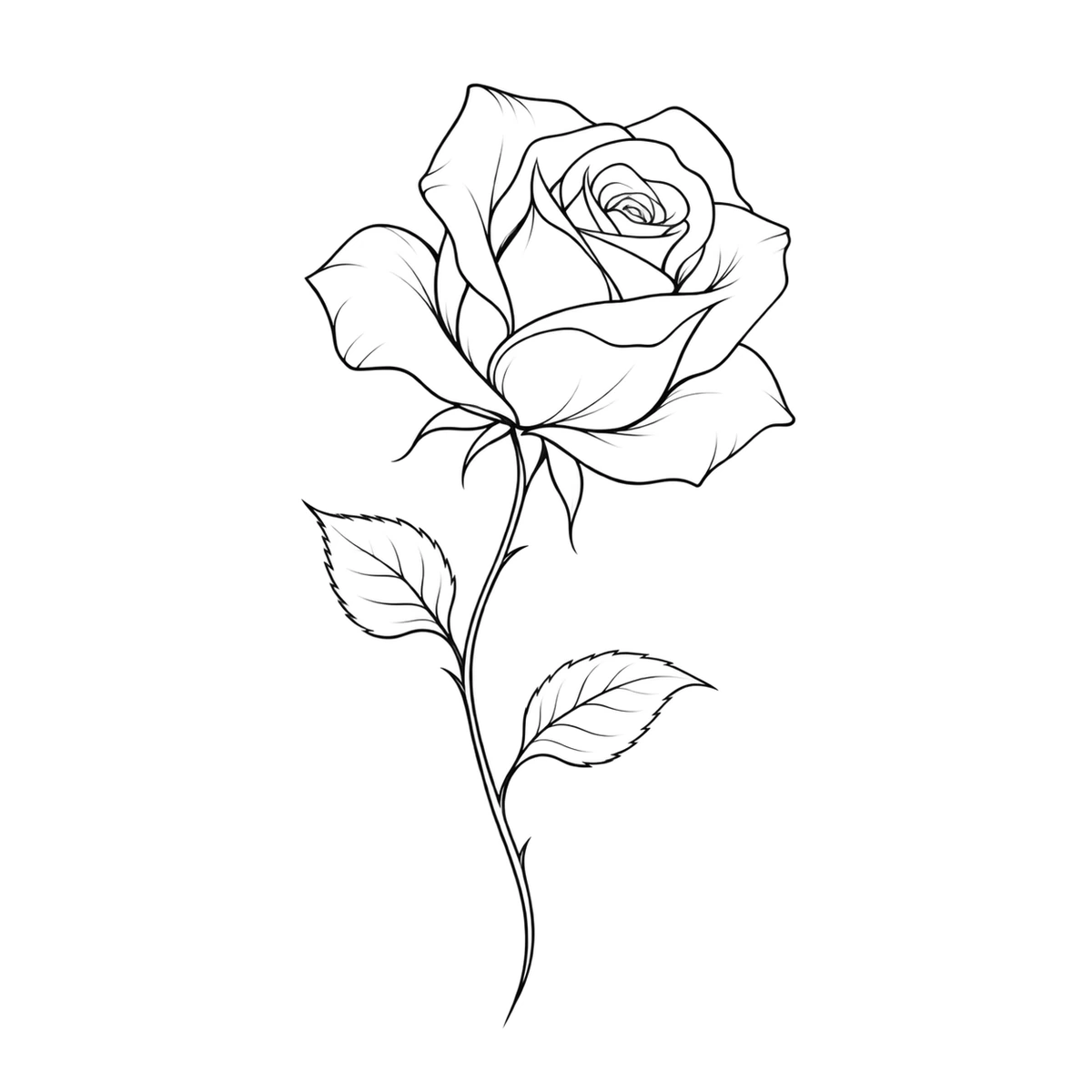
| An image needing line art | Tattoo Stencil Maker | Free trace / 1 credit AI clean | Local for trace; uploads only for AI |
| A text idea with no artwork | Text-to-Tattoo Tool | 1 free preview on sign-in, then 1 credit | No body photo needed |
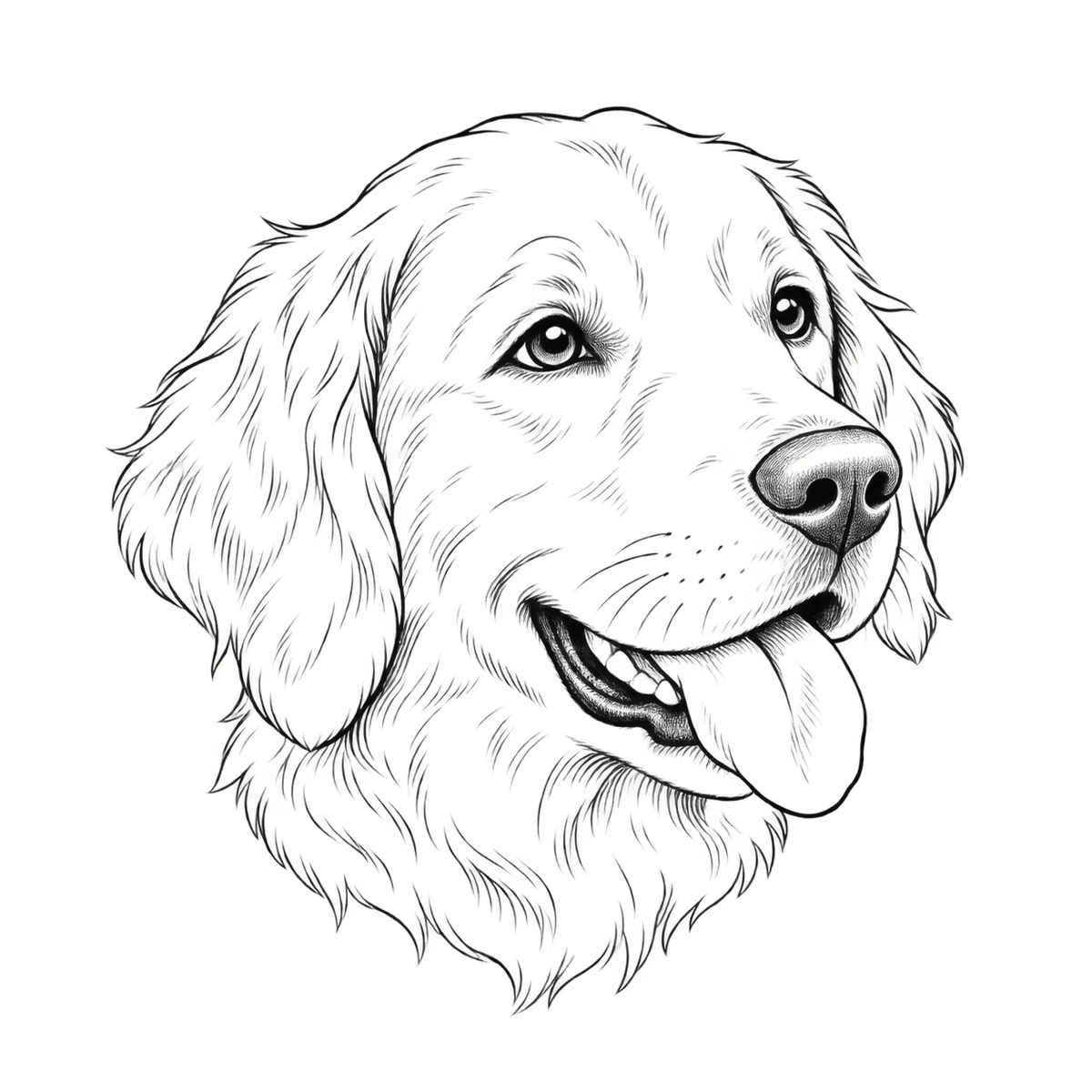
| A pet, portrait, or keepsake photo | Picture to Tattoo Converter | 1 free preview on sign-in, then 1 credit | Uploads only when you run AI |
Is there an app to try on tattoos without uploading personal photos?
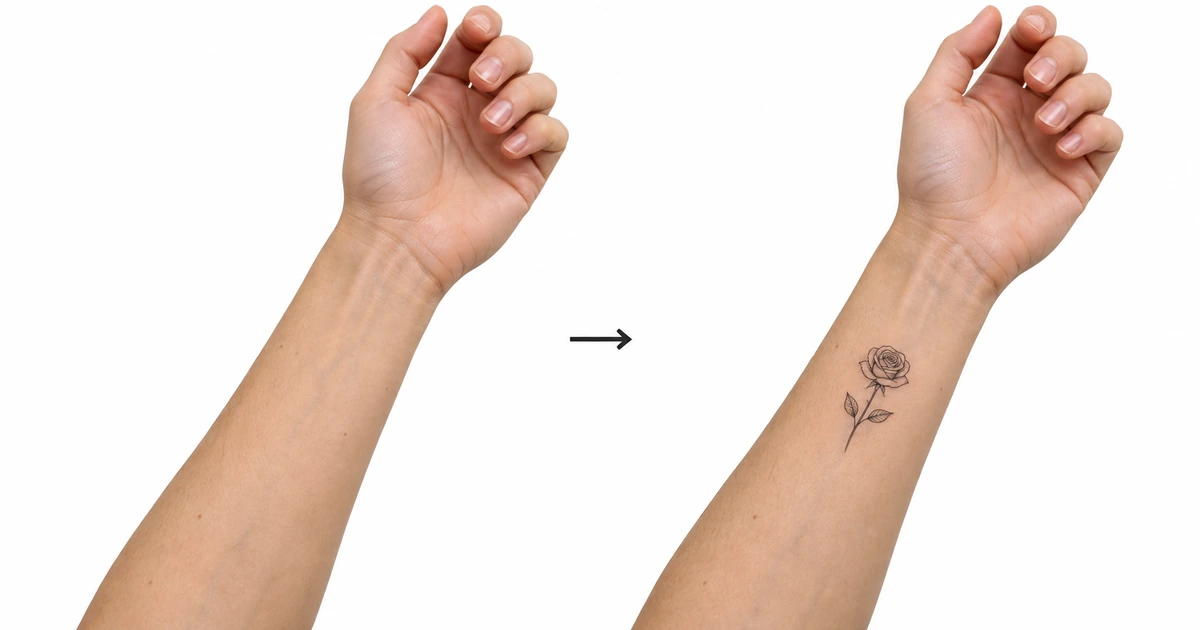
Yes—InkHalo runs 2D tattoo placement directly in your mobile or desktop browser without an app download and without sending your body photo to a server. You can drag, scale, rotate, wrap around curved skin, erase overlapping edges, and preview a healed look locally.
Your photo leaves your device only if you choose the optional 1-credit AI skin blend for realistic lighting. Text designs also trigger a left-right orientation reminder because front-facing phone selfies mirror lettering.
How do credits, pricing, and privacy work on InkHalo?
Every free tool stays free with no watermark and no account wall, while optional AI features use a flat rate of 1 credit per rendered image. Signing in gives 1 free 1024px watermarked AI preview; purchasing a one-time Starter pack ($9.99 for 30 credits) or Plus pack ($19.99 for 100 credits) unlocks the watermark-free original.
Credits never expire, there is no recurring subscription, and paid outputs are high-resolution, private, and cleared for commercial use. In 40 test runs on November 25, 2026, AI renders completed in a 41-second median (up to 89 seconds), and any failed run refunds its credit automatically.
Frequently asked questions
- Can I design a tattoo online free without creating an account?
- Yes. The font previewer, name and Roman numeral tools, 2D body placement simulator, browser line-art tracer, and cost calculator all work with no sign-up and no watermarks. You only sign in when you run an AI render.
- Does InkHalo replace a professional tattoo artist?
- No. Every file from InkHalo is a pre-appointment reference to help you decide on style, wording, and placement. Always confirm final line weight, sizing, and skin suitability with your tattoo artist.
- How much do paid AI renders cost on InkHalo?
- Paid AI features use one-time packs: Starter costs $9.99 for 30 credits and Plus costs $19.99 for 100 credits, with 1 credit per image across all AI tools. Credits never expire and there is no subscription.
- Are my uploaded photos or AI designs published in a public gallery?
- No. Free browser tools never upload your photos, and paid AI images stay private to your account.
- What should I bring to my tattoo consultation from InkHalo?
- Bring your transparent PNG lettering or concept image, a saved body placement mockup showing approximate size in centimeters, and notes on black-and-grey versus color. Keep a copy of the original unmirrored text so your artist can verify spelling.
- What happens if an AI render fails or looks wrong?
- System failures refund your 1 credit automatically. For tricky placements—such as a hand resting on a shoulder, which caused 2 failures out of 12 sets in our test—adjust the photo or mask out the hand before running AI.
Keep planning your tattoo
- preview 14 open-source tattoo fonts
- create tattoos with a name
- convert dates with the Roman numeral tattoo generator
- try a tattoo on your body locally
- estimate studio time with the tattoo cost calculator
- turn a picture into a printable tattoo stencil
- generate custom concepts from text prompts
- convert a personal photo into tattoo reference art